
About this app
Overview, features and application details
ZArchiver is a tiny, no-nonsense archive manager — create and extract ZIP, 7z, RAR, and TAR files on your phone, including password-protected archives, with multithreading for speed.
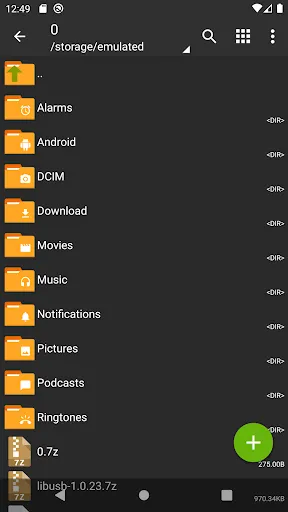
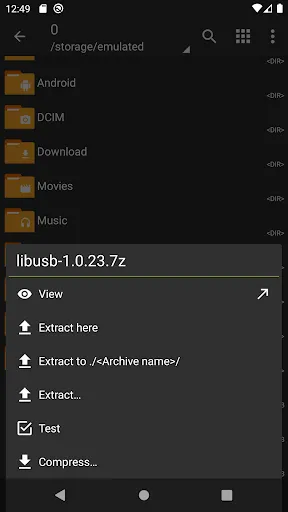
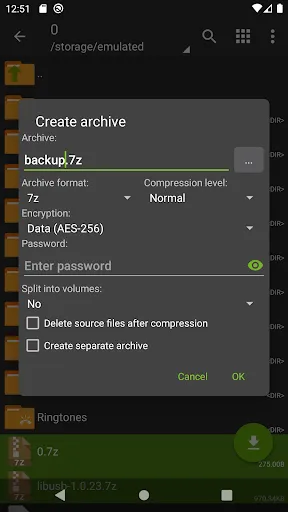
ZArchiver is the app you install once and then wonder how you lived without. It's an archive manager for your phone: create and extract ZIP, 7z, RAR, TAR, and a dozen other formats, including password-protected archives. Downloaded a compressed ROM, a zipped document bundle, or a backup file? This opens it.
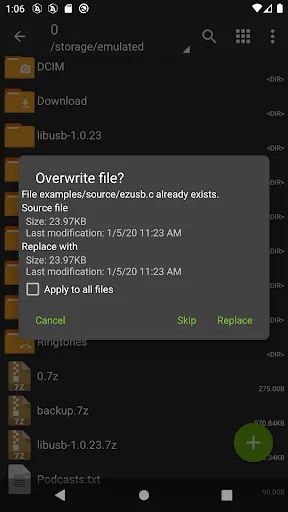
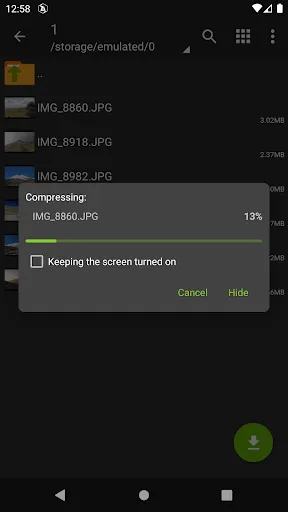
It does more than unzip. You can create archives with real compression settings, extract only the files you need from a big archive instead of the whole thing, and preview contents before committing. Multithreading makes it genuinely fast on modern phones, and the built-in file manager means you can browse, rename, and organize without switching apps. The whole thing is a couple of megabytes, uses no background battery, and stays out of your way until you need it.
Why grab the APK here? Some devices lack Play Store access, some regions have store issues, and some users prefer a verified manual install. The file below is the official ZArchiver build (package ru.zdevs.zarchiver, published by ZDevs) — install it and your phone finally speaks archive.
App details: developer ZDevs, category Tools. Free to download.