About this app
Overview, features and application details
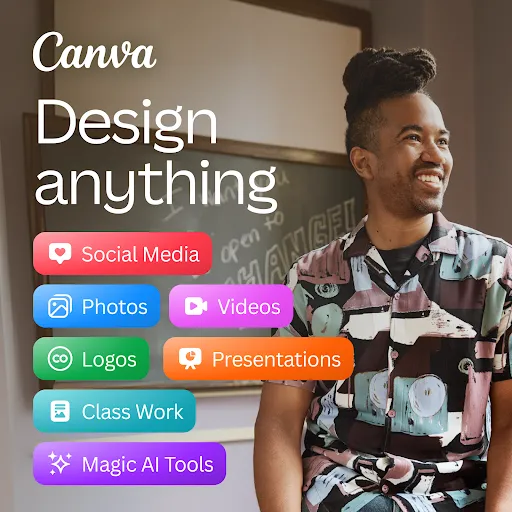
Canva is the drag-and-drop design studio — make social posts, presentations, logos, and videos from thousands of templates, no design skills needed.
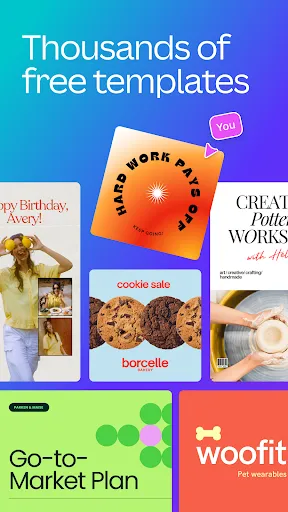
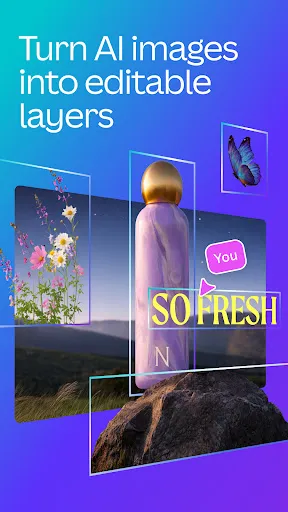
Canva turned graphic design into something anyone can do in a lunch break. Start from thousands of templates — Instagram posts, presentations, posters, logos, resumes, video intros — then drag, drop, and type your way to something that looks professionally made. The AI tools now generate images, write copy, and even build whole designs from a text prompt.
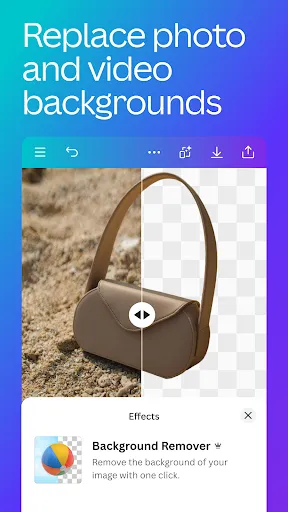
It's genuinely useful beyond social media. Students make presentations, small businesses make menus and flyers, teams collaborate on brand kits in real time. Everything saves to the cloud, so a design started on your phone is waiting on your laptop. The free tier is generous; Pro mostly adds brand tools, background remover, and premium stock.
Why grab the APK here? For devices without Play Store access, sideloading is the answer. The file below is the official Canva build (package com.canva.editor, published by Canva, version 2.380.0). Log in to sync your designs across devices.
App details: developer Canva, category Art & Design. Free to download; Canva Pro is an optional subscription.